AI coworkers that remember your work.
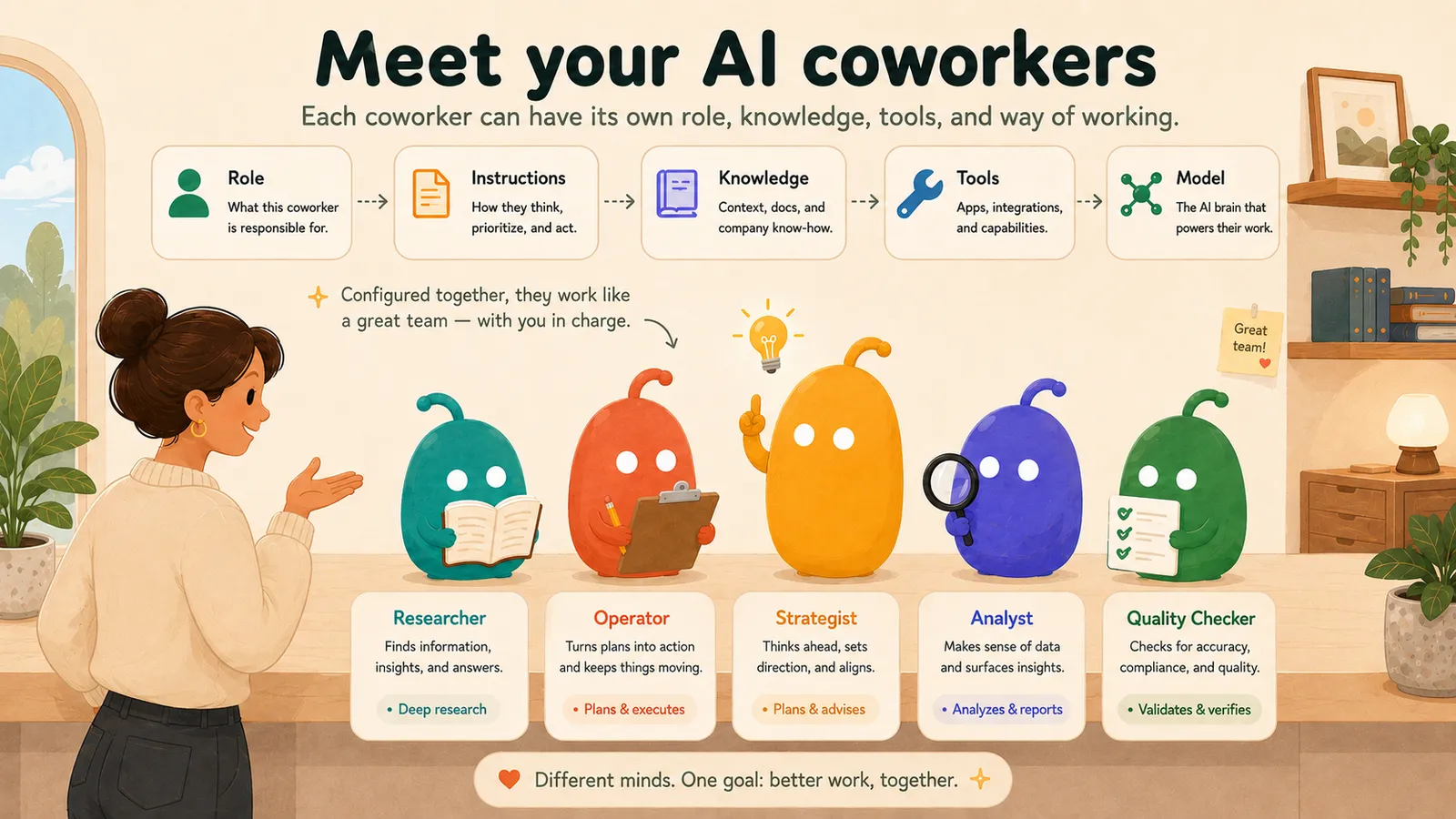
Meet your AI coworkers: a researcher, an operator, a strategist, an analyst and a quality checker, each with its own role, instructions, knowledge, tools and model, working as a team with you in charge.

Build a team of AI specialists, give them your knowledge, run sessions that end in real deliverables you approve.

Start Launchpad Livefrom $29/month incl. VATTry the demoFree recorded demo · No live AI calls
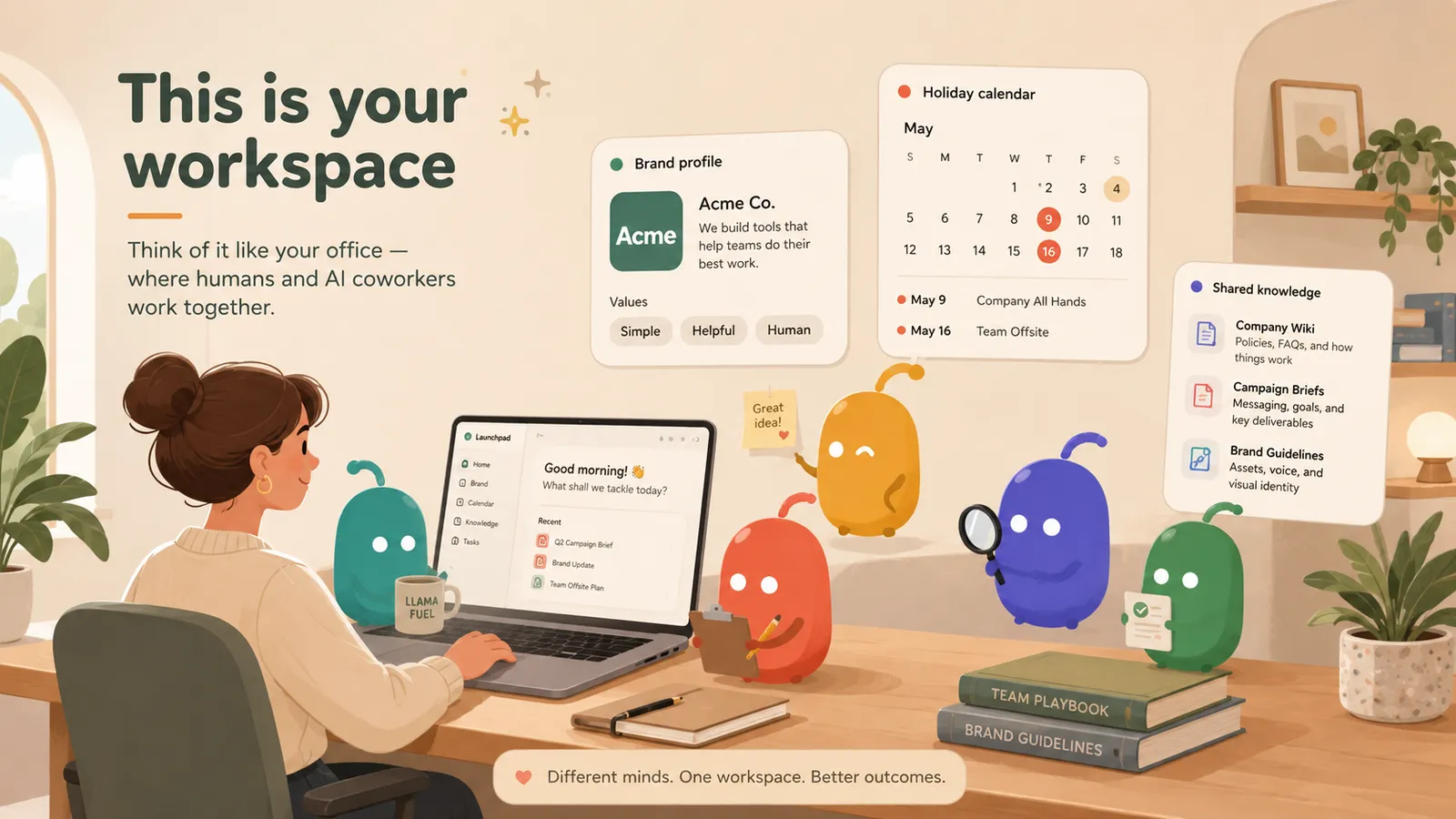
A workspace: a person at her desk with AI coworkers around her, next to the team’s brand profile, calendar and shared knowledge.

Your workspace

Your office for humans and AI coworkers.

Rooms and sessions

Every project gets its own room. Sessions are where the work happens.
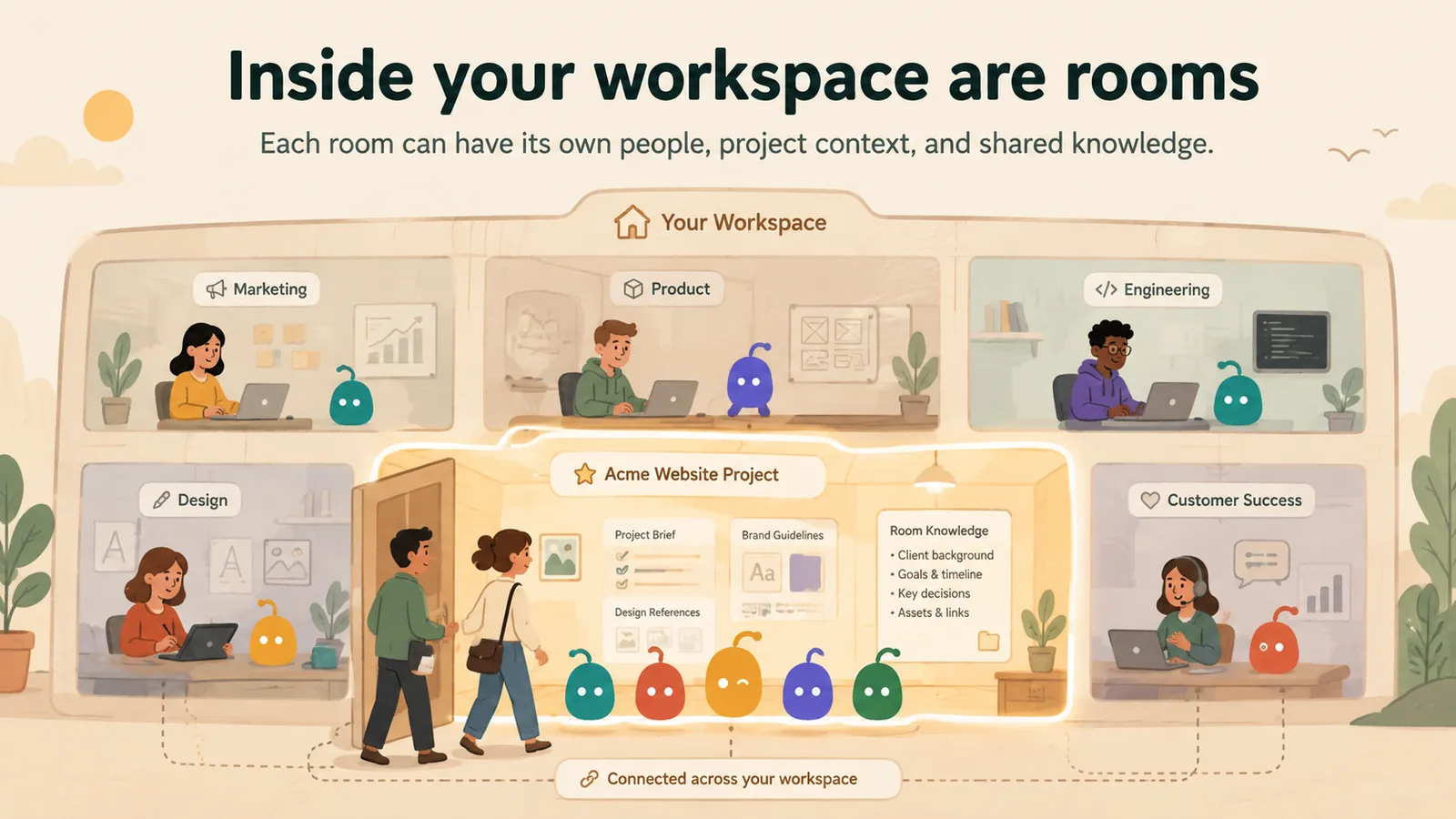
Inside a workspace are rooms, each with its own people, project context and shared knowledge.
Rooms
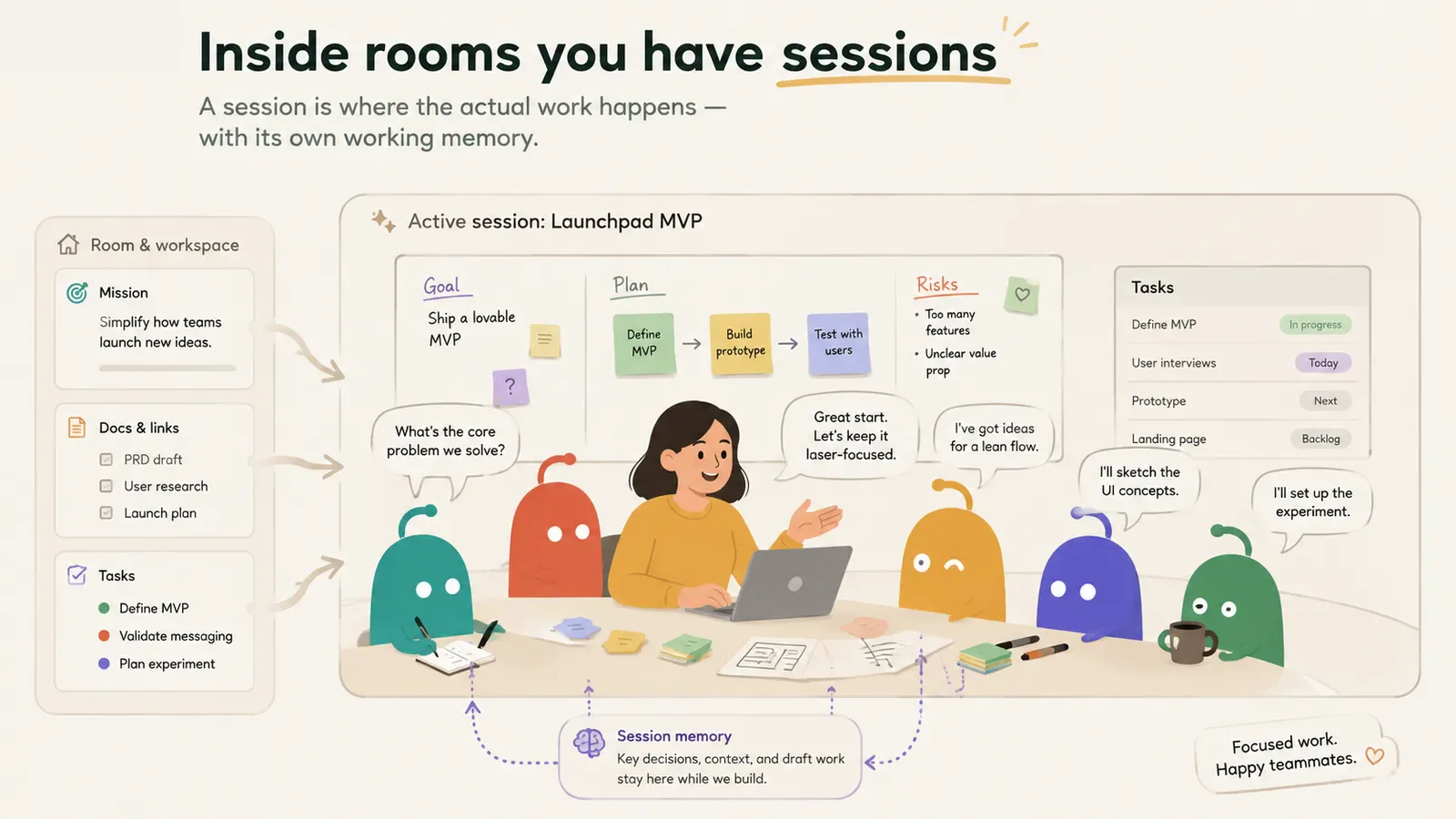
Inside a room, a session brings a person and her AI coworkers together around one goal, with its own working memory.
Sessions
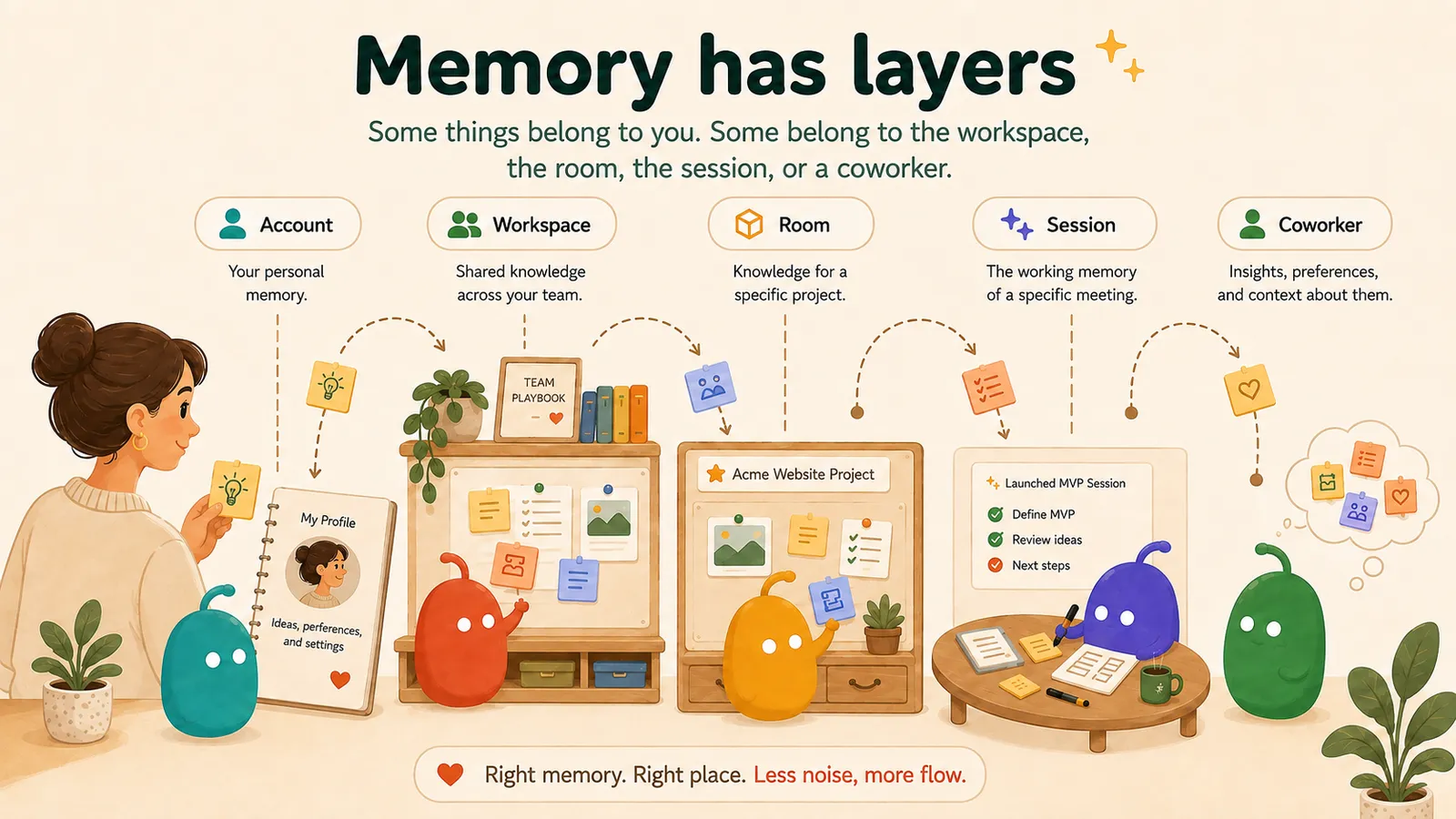
Memory belongs to people and coworkers, with workspace, room and session boundaries.

Memory

Saved memory, scoped to the people and work it belongs to.

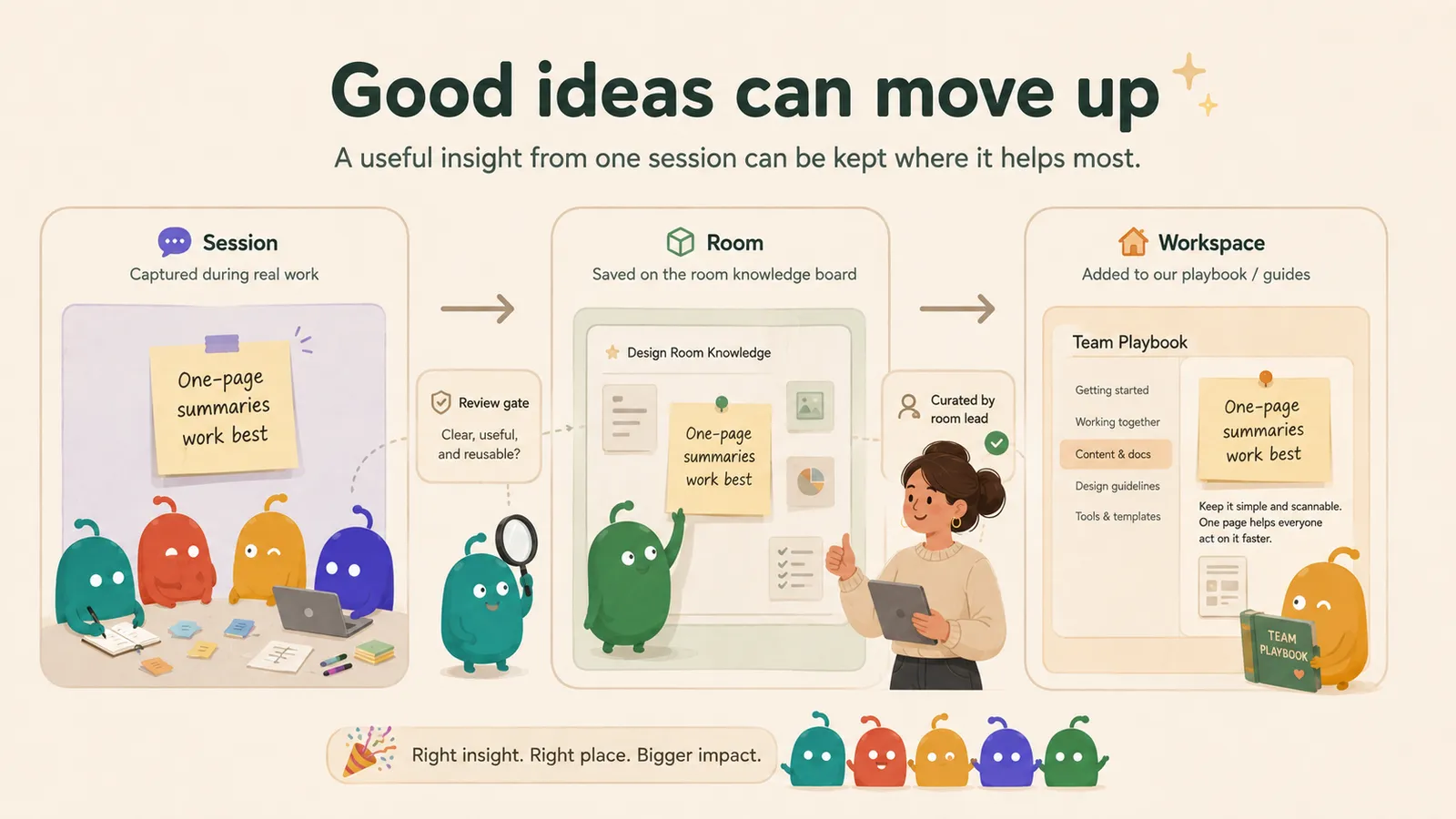
A useful insight from one session passes a review, is saved to the room, and is curated into the team playbook.

It gets better

Good ideas move up into your playbook, approved by you.

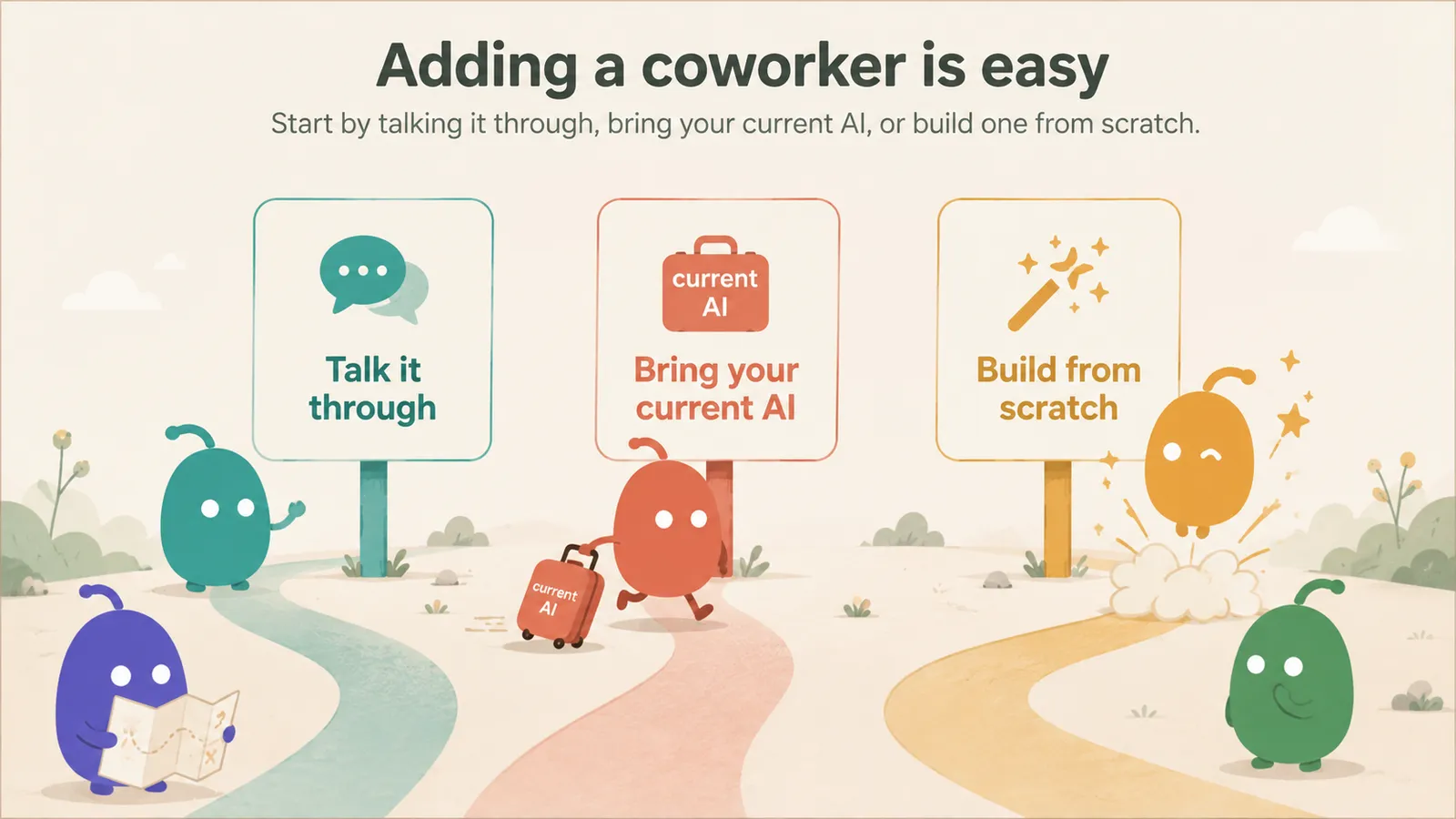
Three ways to add a coworker: talk it through, bring your current AI, or build one from scratch.

Start in minutes.

Launchpad Live from $29/month incl. VAT

Free recorded demo · No live AI calls

Questions people ask first

  • How quickly can we get going?

    Access is immediate once your account and payment are set up. Add a coworker by talking it through, bringing your current AI setup or building one from scratch, and run your first session straight away. How long it takes to shape Launchpad around the way your team works depends on your work.

  • What if a coworker gets something wrong?

    It will happen sometimes — AI can be wrong. A team can include a critic and a validator that challenge the reasoning and flag unsupported claims during the session, and nothing becomes a deliverable until you have edited and approved it. You stay in charge of what you send; Launchpad does not promise error-free output.

  • How is our data used?

    Your work lives in your workspace, and workspace access is enforced in the database itself, not only in the app. Every AI call goes through one metered gateway, and you can export your data or delete your account from inside the product. The security page sets out the details, including the sub-processors involved.

  • Can we cancel anytime?

    Yes. You can cancel your subscription yourself from the billing settings. Cancellation takes effect at the end of the current billing period, and you keep access until then.

  • What is the difference between the demo and Launchpad Live?

    The demo is free and needs no account: it replays recorded Launchpad sessions in a pre-loaded workspace, makes no live AI calls and does not answer off-script questions. Launchpad Live is your own workspace, with AI coworkers working live on your material. It is a paid subscription from the first month — there is no free trial — and current prices are always on the pricing page.